Act! Premium Desktop v28 makes it easier to start your next email from the contact information you already use in Act!, while giving you faster ways to organise your calendar and keep contact data up to date.
Connect customer communications to your CRM workflow
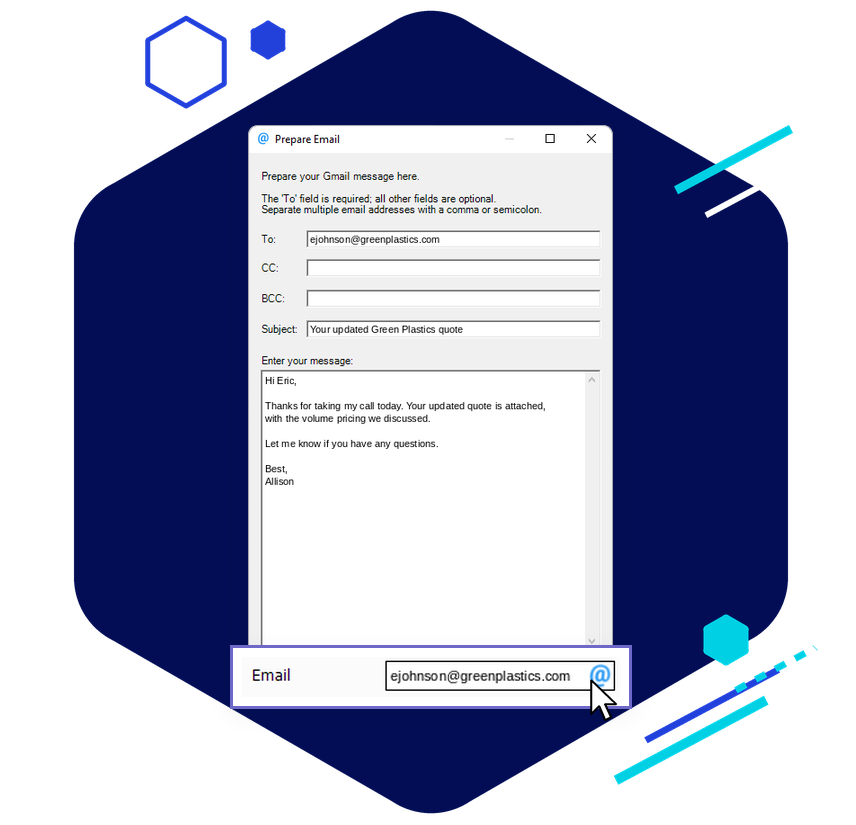
Gmail Launcher provides a direct path from contact data to customer communication, letting you start a Gmail message from email fields in Act! and record the content entered through the launcher in contact history.
Organise and manage your data with less manual effort
New data management tools help you keep information cleaner, more useful, and easier to navigate. Personalised mail merge links can pre-populate known contact information into experiences such as web forms and surveys, reducing repeated data entry for customers and supporting cleaner submissions.
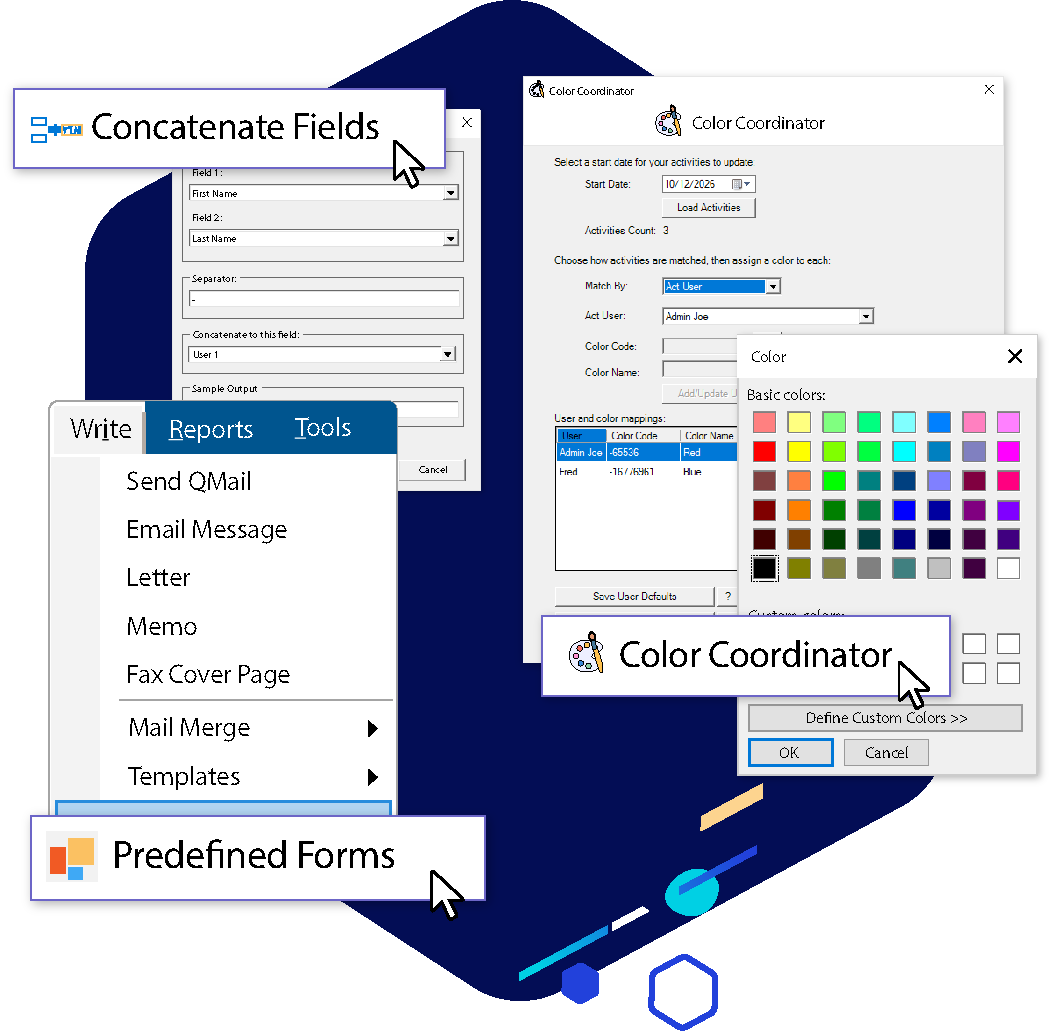
Colour Coordinator makes calendar activity easier to understand at a glance with custom colours by user or activity type. Field Concatenator helps with larger cleanup tasks by combining two fields into a third field across a lookup, making batch updates faster and more consistent.
Stay current with the latest Desktop enhancements
Act! Premium v28 also includes security and configuration enhancements designed to strengthen system protection and give administrators greater control. Updates include improvements to third-party component security, authentication controls, and system configuration, alongside ongoing bug fixes and reliability improvements.
Upgrade to Act! Premium Desktop v28 to keep customer communications connected to your CRM and make everyday data management easier.
In Detail:
Telephony & Communication Overhauls
- The Return of Click-to-Dial: After being absent since version 23, click-to-dial natively returns using the standard Windows TEL protocol. You can click any telephone field to launch your local default softphone, VoIP application, or Windows communication device without needing specific third-party plugins.
- RingCentral Integration: A dedicated integration allows you to place calls and text/SMS directly out of Act!, maps incoming call notifications directly to matching customer CRM records, and auto-logs the history.
- Gmail Launcher: Adds a direct Gmail compose window launcher straight from contact email fields. Message content written inside this pop-up launcher is automatically recorded back into the Act! contact history logs.
Smarter Data Management Utilities
- Field Concatenator: A new database maintenance utility that lets you merge text from two different fields into a targeted third field (with customizable dividers). You can deploy this across a targeted database lookup for mass cleanup or data restructuring.
- Multi-Group Delete: Streamlines structural house-cleaning by allowing administrators to wipe out multiple empty or obsolete groups simultaneously rather than one by one.
- Personalised Mail Merge Links: Allows you to generate customized, pre-filled trackable links for surveys, external web forms, or event registration pages. This stops clients from re-typing basic data and guarantees form returns tie accurately back into the exact CRM contact record.
- Color Coordinator: Introduced to provide better visual structure and organizational cues across user workspaces and scheduling layouts.
- Security & Technical Infrastructure
- SQL Server 2025 Readiness: Adds support and compatibility architecture for Microsoft SQL Server 2025 databases underlying the local environments. [1]
- Tightened Admin Controls: Network administrators gain the ability to lock down Act! system logins strictly to specified Active Directory security groups. It also implements a fixed server address function to lock down local access pathways.
- Productivity Polish: Refines the Outlook integration, introduces an interactive search filter directly inside the column picker window (jumping straight to your field name), and ensures List View updates automatically save the second Edit Mode is deselected.
Are you planning to upgrade an existing older deployment (like v23 or v25), or are you trying to determine if v28 Desktop has everything you need compared to the Cloud version? Let us know so I can highlight the specific technical requirements for your scenario.